Cliptop logoCliptop

Cliptop Changelog

What's new in Cliptop

Full release notes for Cliptop, including clipboard history features, Mac and iOS workflow improvements, bug fixes, and performance updates.

Version 1.3.1iOS

Cliptop for iOS 1.3.1: More reliable iCloud Sync

Cliptop for iOS 1.3.1 makes iCloud Sync more resilient and gives you clearer information about its latest activity. It also keeps clipboard history in a more consistent order across your devices.

Product changes

Recover from sync problems automatically

Cliptop can now restore its iCloud Sync setup when required instead of leaving sync in a failed state. It can also continue downloading changes from your other devices when a local upload has a temporary problem.

These changes help new and existing clips reach your iPhone, iPad, and Mac more reliably without requiring manual setup again.

See clearer sync information

Settings now shows when the latest sync completed and provides useful details when iCloud cannot process an item. Support information includes the same diagnostics, making unusual sync problems easier to identify.

Keep History in a consistent order

Clips with similar history positions or copy times now use a consistent ordering across devices. This prevents items from moving unpredictably when Cliptop reloads synced content.

Version 1.3.0iOS

Cliptop for iOS 1.3.0: Encrypted locks for clips and Pinboards

Cliptop for iOS 1.3 lets you keep private clipboard content close without leaving it visible. Lock an individual clip or a whole Pinboard, then authenticate with Face ID, Touch ID, or your device passcode when you need it.

New features

Protect a clip or an entire Pinboard

Lock a clip to hide its contents and preview throughout Cliptop. When several private clips belong together, lock their Pinboard to protect everything inside it in one step.

Cliptop asks you to authenticate before protected content can be viewed or used. Once you are finished, the content returns to its locked state instead of remaining exposed in your library.

Unlock safely from Cliptop Keyboard

Cliptop Keyboard now understands locked clips and Pinboards. Protected previews stay hidden in the keyboard, and Cliptop asks you to authenticate before inserting or copying their contents.

That means private clips remain private even when you reach for them from another app.

Encrypted protection across devices

When iCloud Sync is enabled, locked content remains encrypted as it moves through your private iCloud account. Your locks can follow your clips and Pinboards between Cliptop on iPhone, iPad, and Mac without exposing their contents during sync.

Bug fixes

  • Improved the reliability of syncing and using protected content across devices.
Version 1.2.0iOS

Cliptop for iOS 1.2.0: Semantic Search and a better Share Extension

Cliptop for iOS 1.2 makes it easier to find the clip you remember and put new content in the right place when saving it from another app.

New features

Search by meaning

Semantic Search can now find related clips by meaning and context, even when your search does not use the exact words from the original content. Search processing happens on your device.

Preview and organize shared content

The redesigned Share Extension now shows a richer preview of the text, link, image, file, or color you are about to save. Before adding it to Cliptop, you can choose whether it should go to History or directly into one of your Pinboards.

Version 1.5.0macOSiOS

Cliptop 1.5.0: Cliptop for iOS is here

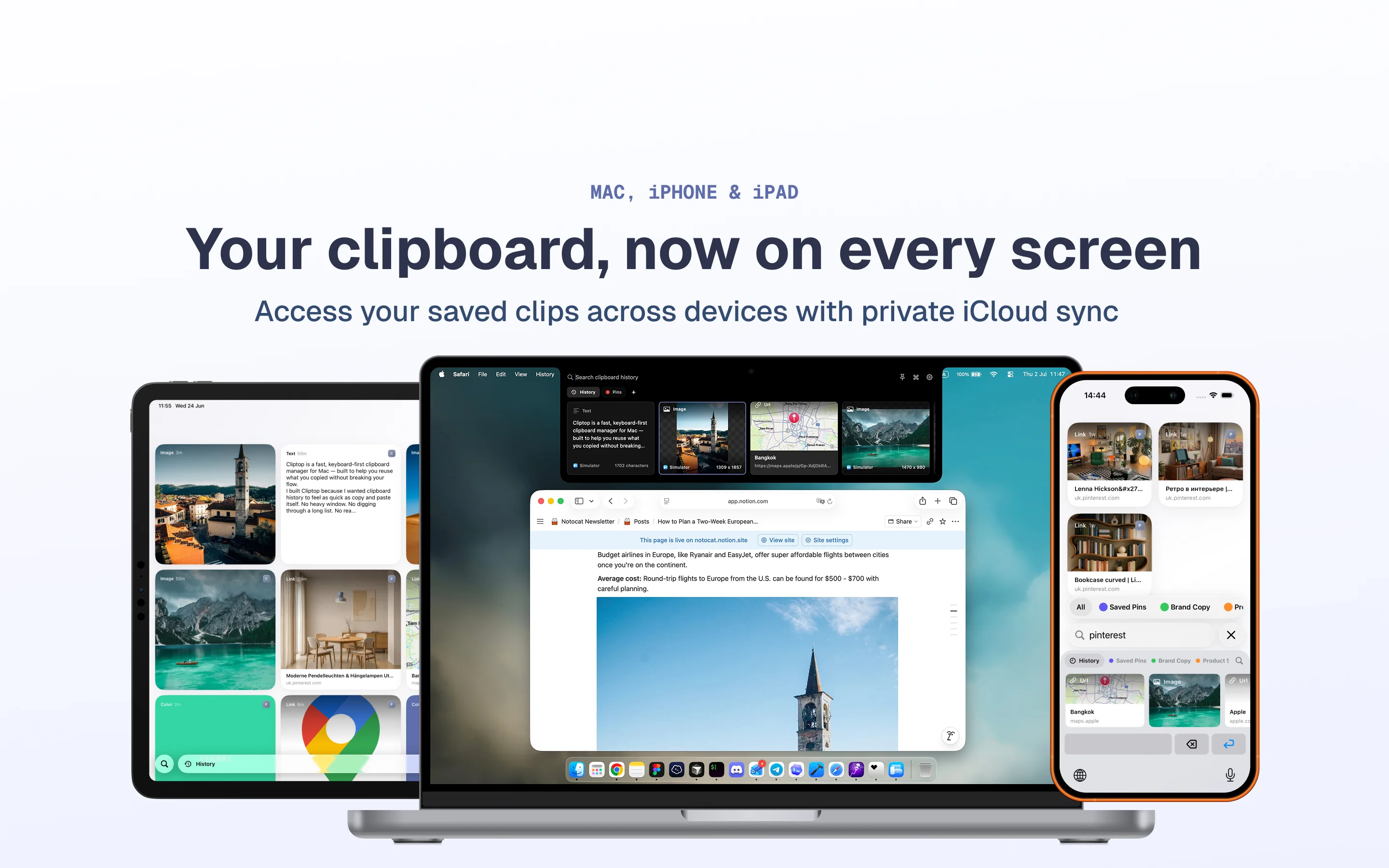
Cliptop for iOS is here with the first iPhone and iPad release, Cliptop iOS 1.0.0. You can now install Cliptop on your iPhone and iPad, keep your clips in sync, and enter your license in the iOS app to activate it.

Download Cliptop from the App Store

Cliptop running on iPhone and iPad

New features

  • Added on-device OCR for detecting text in images. Detected text is searchable, so image clips are easier to find later. OCR is on by default and can be disabled in Settings.
  • Sensitive clips can now be blurred. Automated checks blur sensitive card contents, and you can also manually mark clips as sensitive. You can adjust related options in Settings > Capture.

Product changes

  • Added a slight notch animation during delayed open.
  • Set the default notch open delay to 600ms.
  • Updated all windows with the Liquid Glass design.
  • Replaced the sensitive warning icon with blurred clip contents.
  • Improved the design of image and URL clips.

Bug fixes

  • Fixed an issue where the left arrow for going back to the start of history did not always take focus.
  • Made small fixes to the drag and drop UI.