Version 1.5.0macOSiOS
Cliptop 1.5.0: Cliptop for iOS is here
Cliptop 1.5.0 brings Cliptop to iPhone and iPad, adds on-device OCR for searchable image text, blurs sensitive clips, and updates the app with Liquid Glass design.
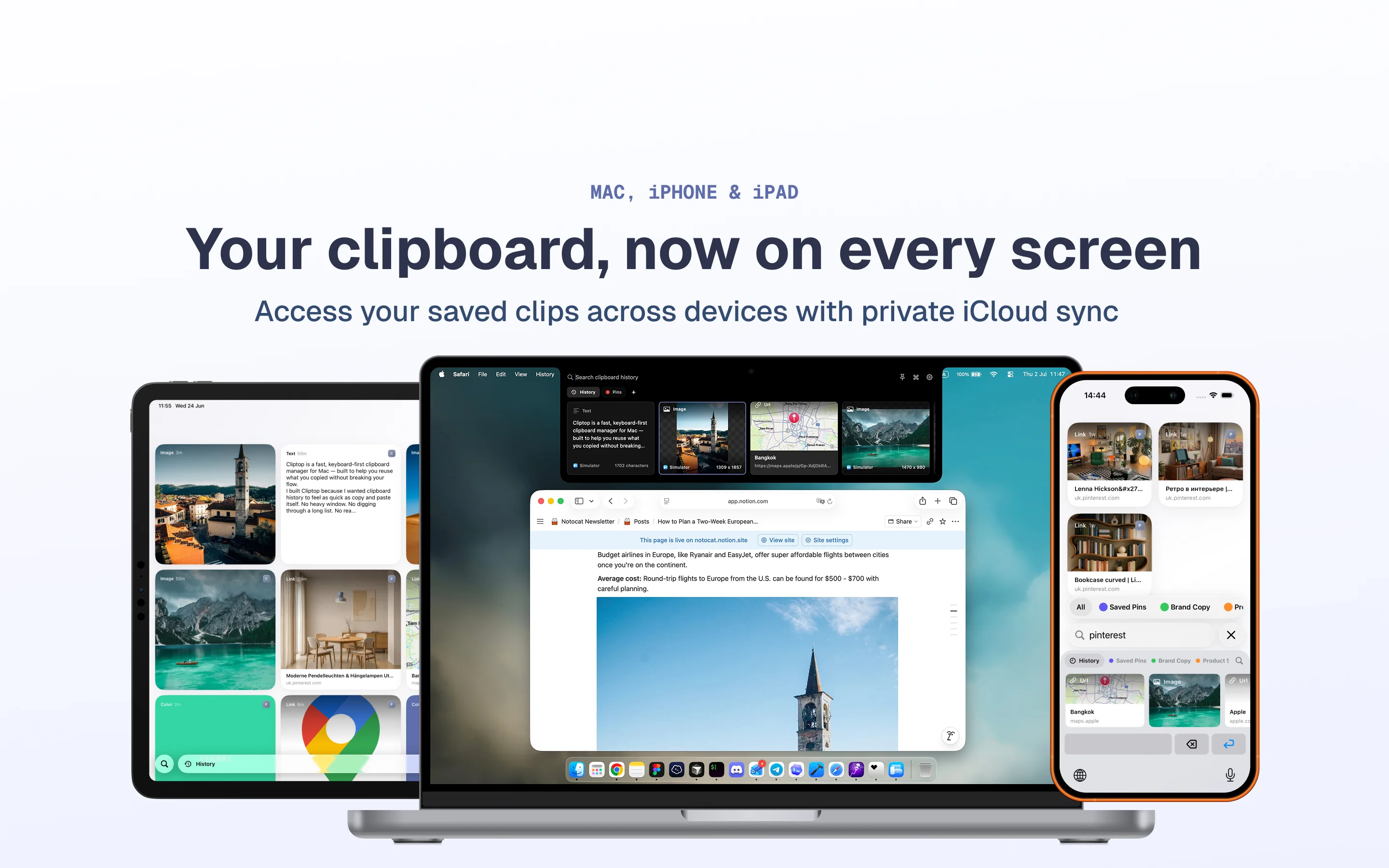
Cliptop for iOS is here with the first iPhone and iPad release, Cliptop iOS 1.0.0. You can now install Cliptop on your iPhone and iPad, keep your clips in sync, and enter your license in the iOS app to activate it.
Download Cliptop from the App Store
New features
- Added on-device OCR for detecting text in images. Detected text is searchable, so image clips are easier to find later. OCR is on by default and can be disabled in Settings.
- Sensitive clips can now be blurred. Automated checks blur sensitive card contents, and you can also manually mark clips as sensitive. You can adjust related options in Settings > Capture.
Product changes
- Added a slight notch animation during delayed open.
- Set the default notch open delay to 600ms.
- Updated all windows with the Liquid Glass design.
- Replaced the sensitive warning icon with blurred clip contents.
- Improved the design of image and URL clips.
Bug fixes
- Fixed an issue where the left arrow for going back to the start of history did not always take focus.
- Made small fixes to the drag and drop UI.