
Cliptop 1.7.0: Smart Actions and search by meaning
Cliptop 1.7.0 introduces Smart Actions for calendar events, semantic search, flexible history retention, and more control over registered devices.
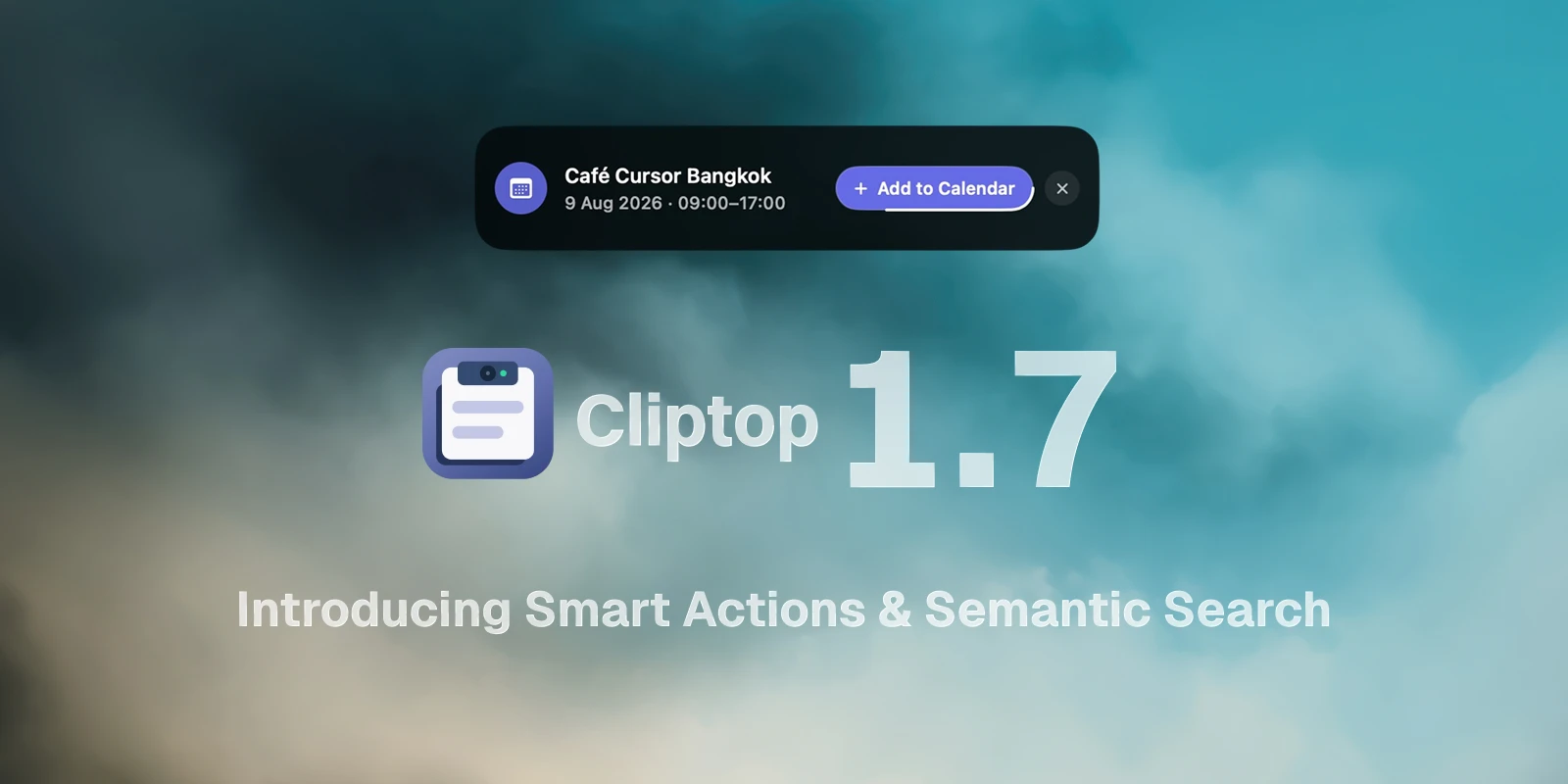
Cliptop 1.7 makes your clipboard history more useful after the moment you copy something. Smart Actions can now recognize calendar events in copied text and images, while semantic search helps you find a clip even when you cannot remember its exact words.
New features
Turn copied details into calendar events
The first Smart Action recognizes event details in text and images, then offers to add the event to Calendar. When Cliptop spots a title, date, and time, you can review the suggestion and create the event without retyping everything yourself.
Calendar suggestions can be turned on or off from the new Settings > Smart Actions section.
Search by meaning, not only keywords
Semantic search makes it easier to rediscover clips when the exact wording escapes you. Search for the idea you remember and Cliptop can surface related text from your history, even when your query does not contain the same words as the original clip.
More control over your history
You can now choose how long Cliptop keeps unpinned clipboard history, from one day to forever. Cliptop checks for expired clips once a day, and you can also run a cleanup immediately from Settings > Capture & Privacy. Pinned clips are always kept.
App Store customers can also unregister the current Mac from the billing settings when they need to free a device slot.
Product changes
- Refined several Settings screens, including the Accessibility status and ignored apps controls.
Bug fixes
- Fixed the clipboard panel opening over fullscreen apps when Disable in fullscreen apps was enabled.
- Fixed deleting a clip sending you back to the beginning of the list.
- Fixed saving an edited text clip so it now preserves rich text and updates the existing clip instead of creating a replacement copy.