
Cliptop 1.6.0: A bigger home for your clips
Cliptop 1.6.0 introduces Library view, optional sound feedback, a larger font size, OKLCH color support, and a more polished clipboard panel.
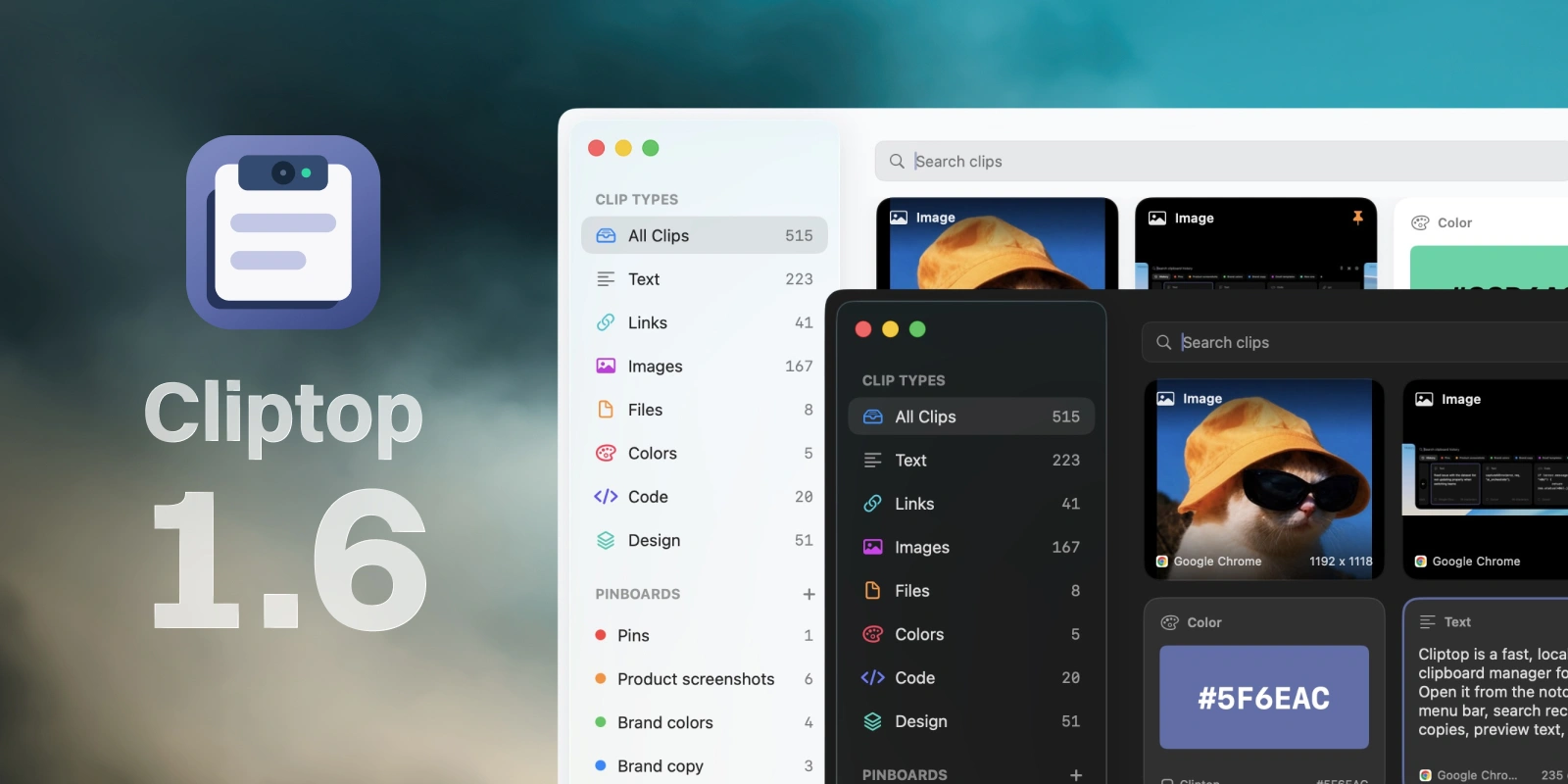
Cliptop 1.6 gives your clipboard history more room to breathe. The new Library view opens your clips into a larger grid, making it easier to scan a busy history, rediscover something you saved, and see more of your collection at once.
New features
Meet Library view
Open Cliptop with your usual shortcut, then press the shortcut a second time to move into Library view. You can also open it from the new library icon next to Settings. From there, the wider grid gives you a more visual way to browse and organize all your clips without changing the quick clipboard panel you already use throughout the day.
A little more feedback, tuned to you
Copying something can now answer with a subtle click, so you know Cliptop caught it without looking away from your work. You can choose a different sound—or keep things completely quiet—from Settings > General.
We also added a larger font size in Settings > Appearance, giving clips a little more presence when you want easier reading.
Product changes
More polish throughout Cliptop
Colors written in OKLCH are now recognized alongside Cliptop’s existing color formats. The clipboard panel also feels more grounded with new shadow effects, while an improved notch animation makes opening Cliptop feel smoother.
New installations now start with an 800ms open delay, giving the notch interaction a calmer default rhythm. Existing installations keep their current setting. We also refined onboarding so the first few minutes with Cliptop are clearer and easier to follow.